Bookings, Your Diary and a Small Crew: How an AI Employee Keeps a Tradie's Calendar Under Control
An AI employee connected to your live calendar can take bookings from calls and texts, offer real available times inside your actual working hours, prevent doub
▸ Hear it book into the diary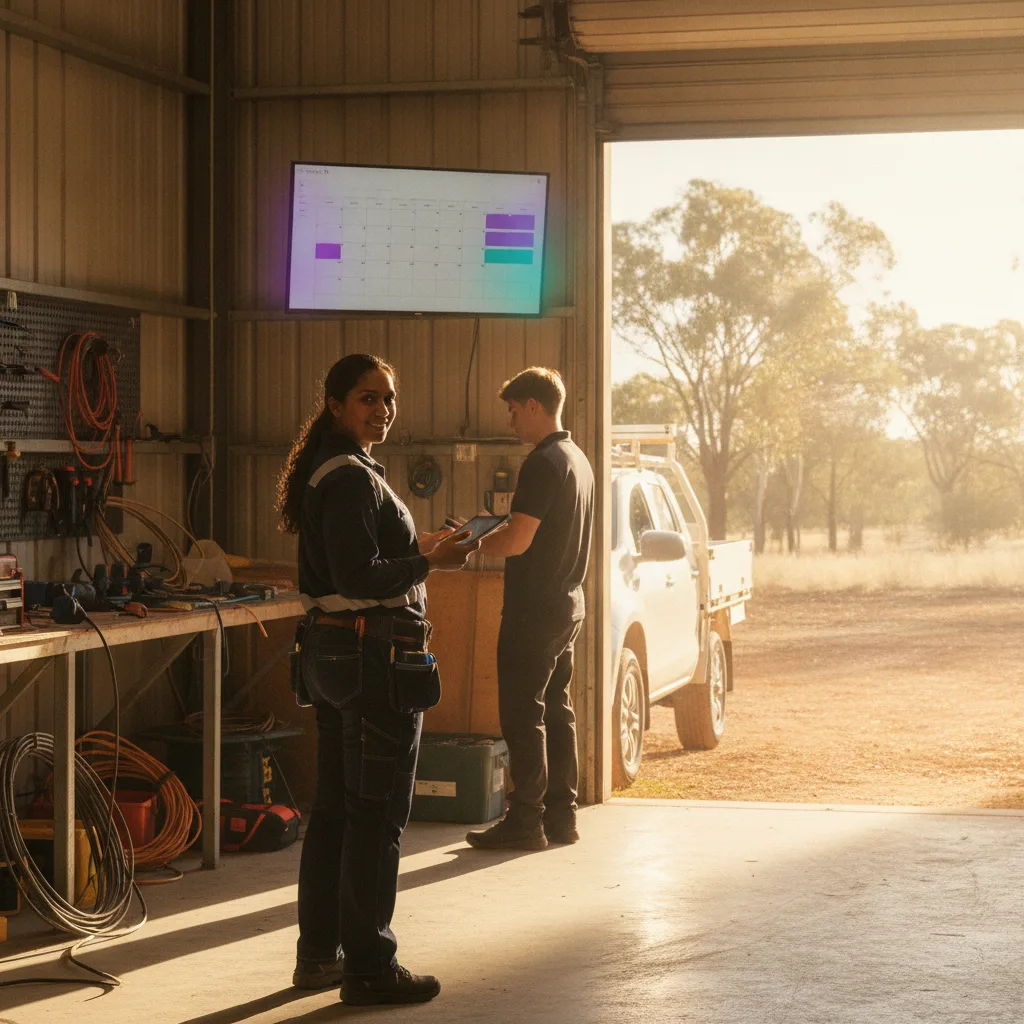
Stop double-bookings, remind customers before the visit and keep your whole crew organised — without another spreadsheet or a late-night admin session.
TL;DR An AI employee connected to your live calendar can take bookings from calls and texts, offer real available times inside your actual working hours, prevent double-bookings across your whole crew, send reminder emails before every job, and let each tech manage their own diary — all from one system. Here's exactly how it works, and where the honest limits are.
The Problem Every Busy Tradie Knows
The phone rings while you're under a sink. Texts come in while you're driving. By the time you're back at the ute to check messages, two customers have asked for Monday morning and you're not sure which one you actually confirmed. Your apprentice booked a job in for Thursday — but you'd already scribbled something in your own diary for the same slot. Nobody knows until someone shows up at the wrong house.
This isn't a technology problem. It's a coordination problem. And it's one that quietly eats hours every week — hours that could be on the tools, or at home.
Velobiz's AI employee connects directly to your live calendar and handles booking conversations the way a good office manager would: checking what's actually free, offering real times, confirming with the customer, and making sure no two jobs land in the same slot. Here's what that looks like in practice, scenario by scenario.
Scenario 1: A Customer Wants to Book a Time
A customer rings up about a hot water replacement. Instead of going to voicemail or waiting for a callback, they speak with your AI employee, which checks your live calendar in real time, offers available times that fall inside your working hours, and locks the job in. The customer gets a confirmation by both email and text — so there's a written record on both sides.
No back-and-forth. No "I'll have to check and call you back." The booking is done before the customer hangs up.
Good to know: This works with Google and iCloud calendars. The AI employee also needs at least an hour's notice before a booking — so a job that needs someone within the hour won't be booked in automatically.
Scenario 2: Phone and Text Bookings Might Clash
Here's a common one: two customers both want Monday at 8am. One calls, one texts. In the old world, whoever you get back to first wins — and the second one either gets a sheepish callback or, worse, both show up.
With Velobiz, calls, texts and web bookings all draw from the same calendar. When the first customer takes Monday at 8am, that slot is gone. The second customer — whether they're calling in or texting — is automatically offered the next available time. There's no manual reconciliation needed.
Good to know: Once a time is booked, the next customer is offered the next free time — whatever is genuinely available.
Scenario 3: You Work Different Hours on Different Days
Most tradies don't work the same hours every day. Maybe you do early starts Monday to Thursday, knock off at lunch on Fridays, and take Saturday mornings for quotes only. A generic booking system that assumes nine-to-five, Monday to Friday, is going to cause problems fast.
With Velobiz, you set your booking hours day by day. The AI employee only ever offers times that fall inside whatever you've set — so customers can't accidentally book a Saturday afternoon when you've got the weekend off, or a Friday slot you've blocked out for catch-up admin.
Good to know: The system doesn't automatically add travel time between jobs. If you need a buffer between a job in one suburb and a quote in another, you'll need to build that into your hours yourself. It's a simple thing to plan for once you know it.
Scenario 4: A Customer Might Forget the Appointment
No-shows cost real money. A customer books a tap repair a week out, life gets busy, and they forget to tell you they can't make it. You've driven across town for nothing.
Velobiz sends reminder emails automatically — one the day before the job, and another an hour before the visit. The customer gets two nudges without you doing anything. For jobs booked well in advance — a measure-and-quote visit, an annual service, an inspection — those two reminders keep the visit fresh in the customer's mind.
Good to know: Reminders are sent by email. If a customer doesn't check their email regularly, the reminder won't reach them through another channel. Worth keeping in mind for customers who prefer texts for everything.
Scenario 5: There Are Two or Three of You on the Tools
This is where things get genuinely useful for a small crew. If you've got yourself, a second plumber and an apprentice all running jobs, the old approach is a whiteboard, a group chat, or a spreadsheet that's always slightly out of date.
With Velobiz, each person in your team connects their own calendar. Customers can ask for a specific tech by name — "Can I get the same bloke who came last time?" — or simply take the first available slot across the whole crew. The AI employee checks across all connected calendars and offers what's genuinely free.
Good to know: The team shares one set of business hours. Individual techs can't set their own separate hours within the system — availability is based on the business hours you've configured. If one of your crew works different days to the rest, you'll want to factor that in when you set up your hours.
What This Actually Means for Your Week
Put it all together and here's what changes:
- Bookings happen while you're on the tools, not after hours
- Two customers can't accidentally land in the same slot, regardless of how they contacted the business
- The hours you set are the hours customers can book — no exceptions, no awkward conversations
- Customers get reminded automatically, the day before and an hour before
- The whole crew's availability sits in one place, and customers can book with whoever's free
The spreadsheet doesn't disappear overnight. But the need for it does.
A Note on What This Isn't
It's worth being clear: this is a booking and calendar system, not a job management platform. It doesn't sync with accounting software or dispatch tools. It doesn't add travel time between jobs automatically. Reminders go by email, not text. And the AI employee needs at least an hour's notice before a booking — it's not built for emergency callouts that need to happen in the next thirty minutes.
These are real limits, and knowing them upfront means you can set the system up in a way that works with your actual workflow rather than against it.
FAQ
Q: Which calendars does Velobiz connect to? A: Velobiz works with Google and iCloud calendars. If your team is already using one of those, connecting is straightforward.
Q: What happens if a customer books online at the same time someone calls? A: All booking channels — calls, texts and web — draw from the same live calendar. The first booking to confirm takes the slot; the next customer is offered the next available time automatically.
Q: Can each person in my crew have their own calendar? A: Yes. Each tech connects their own calendar, and customers can either request a specific person or take the first available slot across the whole crew. The team shares one set of business hours.
Q: Will customers get reminded if they book well in advance? A: Yes. Reminder emails go out the day before and an hour before the job. These are sent automatically — you don't need to do anything once the booking is made.
Q: What if I work different hours on different days? A: You set your booking hours day by day. The AI employee only offers times inside whatever you've configured, so customers can only book when you're actually available.
About the Author
This article was written by the Velobiz team. Velobiz builds AI-powered business automation for Australian trade businesses — helping owners handle bookings, enquiries and follow-up without adding to the admin pile.
Built for AU tradies → https://velobiz.com.au
Questions we get asked
Which calendars does Velobiz connect to?
Velobiz works with Google and iCloud calendars. If your team is already using one of those, connecting is straightforward.
What happens if a customer books online at the same time someone calls?
All booking channels — calls, texts and web — draw from the same live calendar. The first booking to confirm takes the slot; the next customer is offered the next available time automatically.
Can each person in my crew have their own calendar?
Yes. Each tech connects their own calendar, and customers can either request a specific person or take the first available slot across the whole crew. The team shares one set of business hours.
Will customers get reminded if they book well in advance?
Yes. Reminder emails go out the day before and an hour before the job. These are sent automatically — you don't need to do anything once the booking is made.
What if I work different hours on different days?
You set your booking hours day by day. The AI employee only offers times inside whatever you've configured, so customers can only book when you're actually available.
Hear it for yourself
Hear it book into the diary
One AI employee. Answers every call, chases every lead, keeps you visible.
Keep reading